Log In to Maintenance
The Maintenance application allows you customize ChiroTouch to accommodate your office structure. All of the information that you create or modify here is used throughout the ChiroTouch software system without ever having to be recreated elsewhere.
- Click on the ChiroTouch Maintenance icon in the Launcher.
- Click the Maintenance button to launch
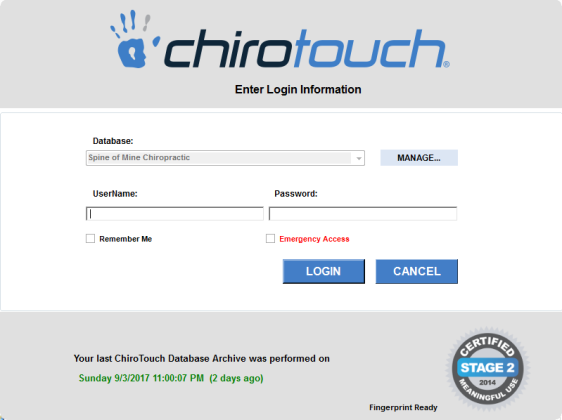
- A dialog box appears, prompting you to enter your username and password. During setup, you provided ChiroTouch with your initial login information. If you have forgotten your username and password, please call Customer Support.
- Enter your username in the Username field.
- Enter your password in the Password field.
- N O T E
If you would like ChiroTouch to remember your username for future login sessions, check the Remember my usernamebox. - Click the OK button.
You are now logged into ChiroTouch.
